After completing this lesson, you will be able to:
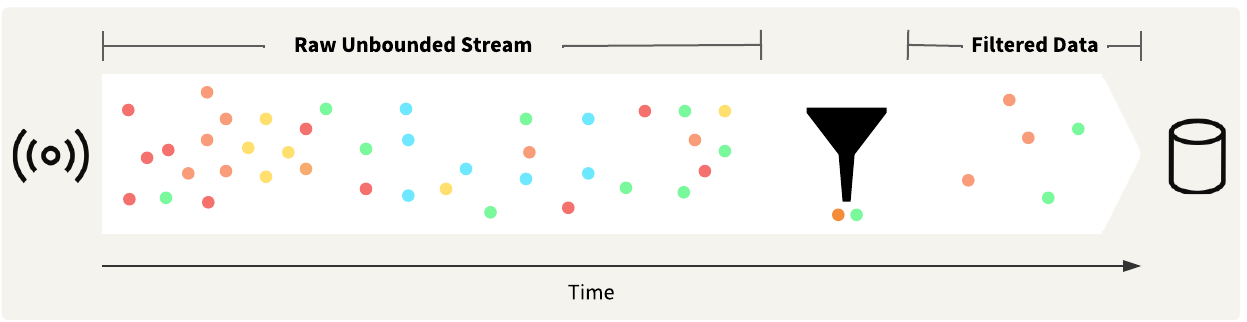
Stream data usually consists of high volumes that arrive at high velocities. To analyze the data, you likely need to filter the data to include only the records that are actually of interest. The easiest way to filter stream data is to filter by attribute.
To filter by attribute, you usually test each data record against a condition. If a data record does not meet the specified condition, the transformer routes it to an alternate port. Some standard transformers that you may use to filter stream data by attribute are:
Ultimately, filtering stream data by attribute works the same as filtering static data by attribute. The only difference is that, as a stream, the workspace is always running and actively filtering the data as it arrives.

In the last exercise, you connected to the stream of City of Vancouver fleet GPS locations using a KafkaConnector. Jennifer already extracted the JSON into attributes from the data stream and created geometry for the vehicle locations. Now, Jennifer only needs to process and send alerts for trucks in the fleet.
In this exercise, you will:
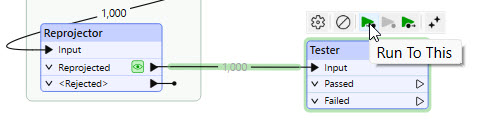
Continue with the same workspace open in FME Workbench from the previous exercise.
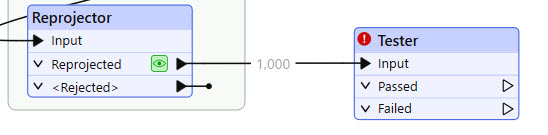
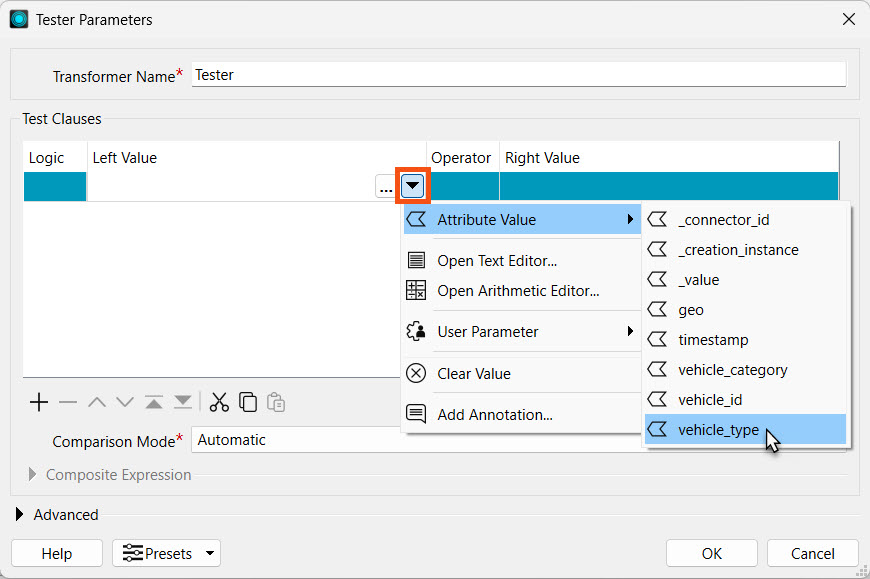
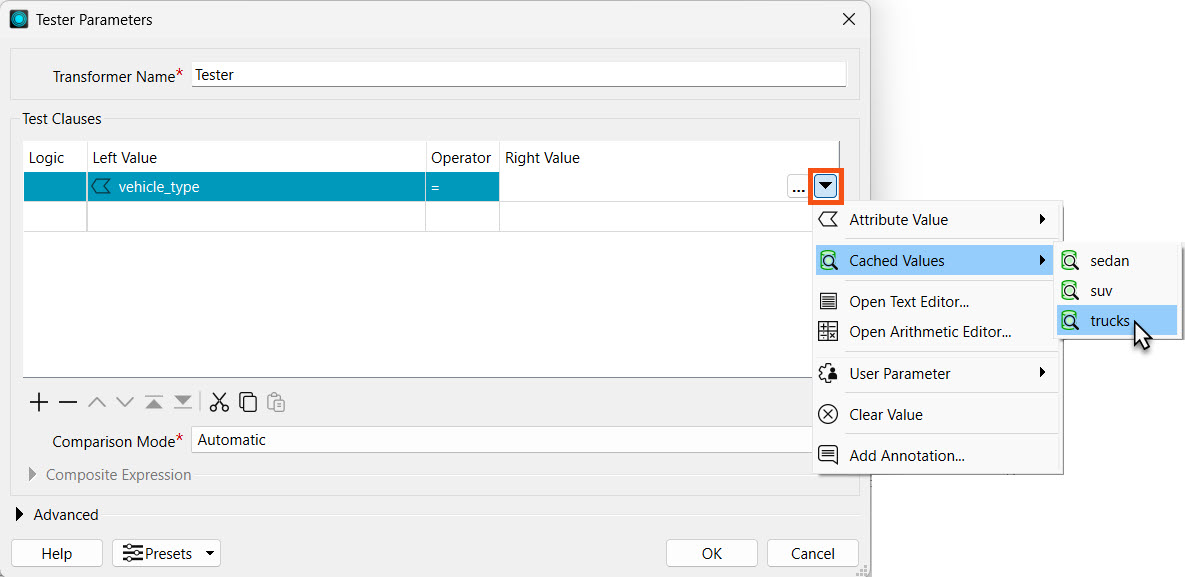
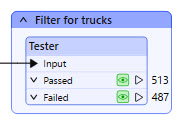
The records that pass through the Passed port are trucks. Due to the nature of streaming data, the data counts will differ between your workspace and the example shown here.